
 By
By If you are a Jabra headset user, then you might have experienced situations when you thought of resetting your headset. Especially when your headset might not be connecting to Bluetooth devices, facing software or firmware glitches, and the microphone is not working. But you might not be aware of the ways of resetting your headset. If that’s the case, you are at the right place.
In this blog, we are going to learn how to reset Jabra headset manually or using Jabra Direct. We will learn how to reset different models of the Jabra headset. Let’s get started!
What Does Reset Mean?
The Reset means to restore the default settings of the headset and to prepare it for operations if it’s not working. When you reset the headset, the previously paired devices are removed, and the custom settings are restored to default settings.
Reset is basically a troubleshooting step that reverts the current state of the headset to its original out-of-the-box state. Doing this solves any kind of software glitches or bugs caused by incorrect settings.
When Do You Need to Reset Your Jabra Headset?
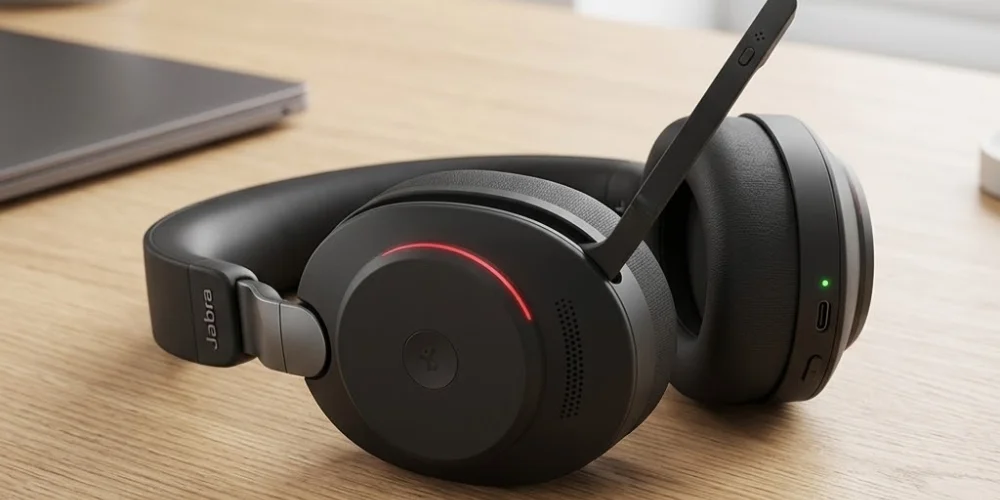
When you face problems while using the headset, the first solution before contacting tech support is to reset it. When your headset is not connecting to Bluetooth devices, and the audio or microphone is not working properly, resetting may solve the problem. In addition, if you are facing frequent disconnections or software/firmware glitches, a reset can make your headset work properly.
Pre-requisites for Resetting Your Jabra Headset
Before you reset your Jabra headset, there are some prerequisites that you need to ensure for successful operation and avoid any inconvenience. Make sure:
- The headset is turned on, and you aren’t in an active call.
- Your headset is fully charged. In case of earbuds, put your earbuds in their charging case while keeping the lid open.
- To reset using the Jabra Direct, make sure you choose the right device after opening the application.
After these prerequisites, you are now all set to reset your Jabra headset without any inconvenience.
How to Reset Jabra Headset Manually?
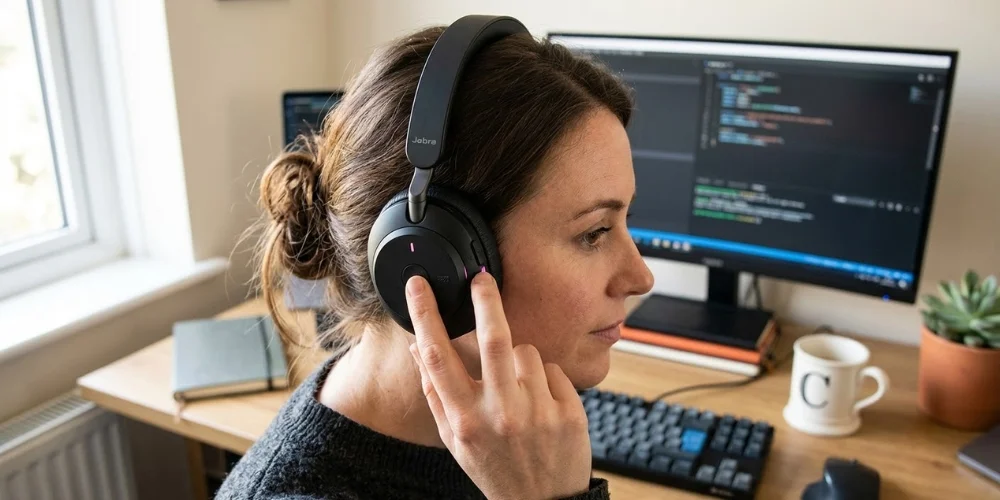
Resetting your Jabra Headsets manually is as simple as a child’s play. But before you reset your headset, make sure your headset is turned on, and you are not on a call. After ensuring this, you can perform the following steps to reset your Jabra headset manually:
- Turn on your headset.
- Press and hold the required buttons simultaneously.
- Wait until the LED flashes.
- Reconnect the headset.
These are the generic steps for resetting any Jabra headset. The steps may vary from model to model. If you want to learn how to reset the specific Jabra models, the following are the procedures centered on specific Jabra models:
How do I Manually Reset the Jabra Evolve2 Headset?
To manually reset the Jabra Evolve2 headset, make sure your headset is turned on and you are not on any call. After this, you will have to perform the following steps:
- Press and hold the multifunction and Volume up buttons on the earcup together for 3 seconds.
- Wait until the LED light flashes pink and you hear an announcement.
This is how simple to manually reset the Jabra Evolve2 headset series. After resetting, re-pair your devices, and you are all set to work.
How to Manually Reset the Jabra Evolve 65 Headset?
To reset your Jabra Evolve 65 headset, you just need to press the multifunction and volume up buttons simultaneously. You have to press the buttons until the LED blinks green five times. This will indicate the reset is successful. It takes only 5 seconds to reset your Jabra Evolve 65 headset.
How to Reset Jabra Elite 65t/ Jabra Elite Active 65t?
To manually reset your Jabra Elite 65t or Jabra Elite Active 65t, the procedure is similar. Press the multi-function on the right earbud until the purple light flashes. Your headset will be reset in just 10 seconds.
How to Reset Jabra Elite 85h?
Simply press and hold the multifunction button on the right earcup and the volume up button for five seconds. Your headset will be reset as soon as the LED light flashes purple and you hear an announcement.
This is how simple it is to reset the different models of Jabra Headsets. For all headsets, the reset steps are similar, or there is a slight variation.
How to Reset Jabra Evolve Headset Using Jabra Direct?
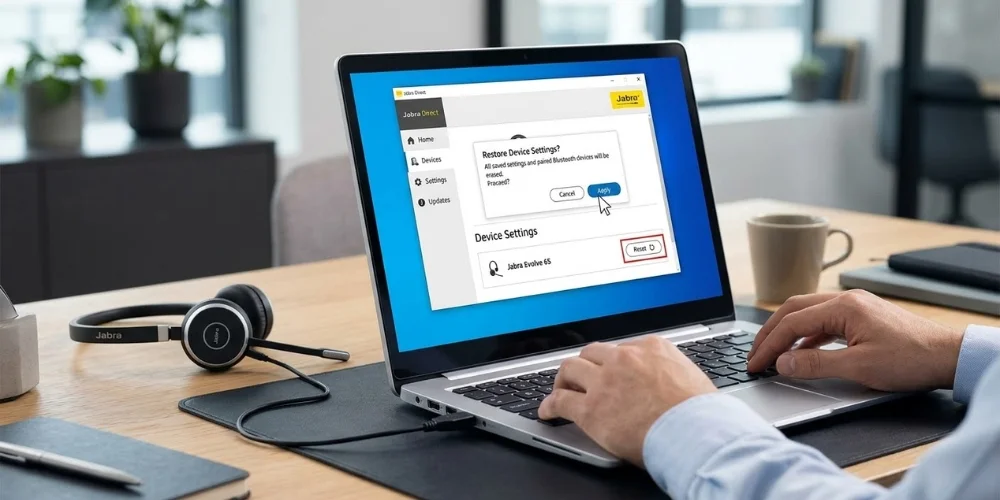
To reset the Jabra Evolve headset, you can also use Jabra Direct instead of manually resetting your Jabra headset each time. Before resetting your Jabra headset, you need to know that your previously paired devices will be unpaired. You will have to re-pair them. To reset the Jabra Evolve headset with the help of Jabra Direct, follow these steps:
- Connect the headset to your computer via a USB cable.
- Open Jabra Direct > Go to Device> Device Settings > click Reset to open the Restore Device Settings Dialog box.
Note: If your headset is a Jabra Evolve 75, turn on the Softphone > Wired USB setting before you perform the reset.
- Click Apply.
Disclaimer: These reset steps are generalized steps for the Jabra Evolve Series. There may be slight variations in the steps depending on the Jabra Evolve model and the connected devices.
Wrap Up: What to do After Resetting Your Jabra Headset?
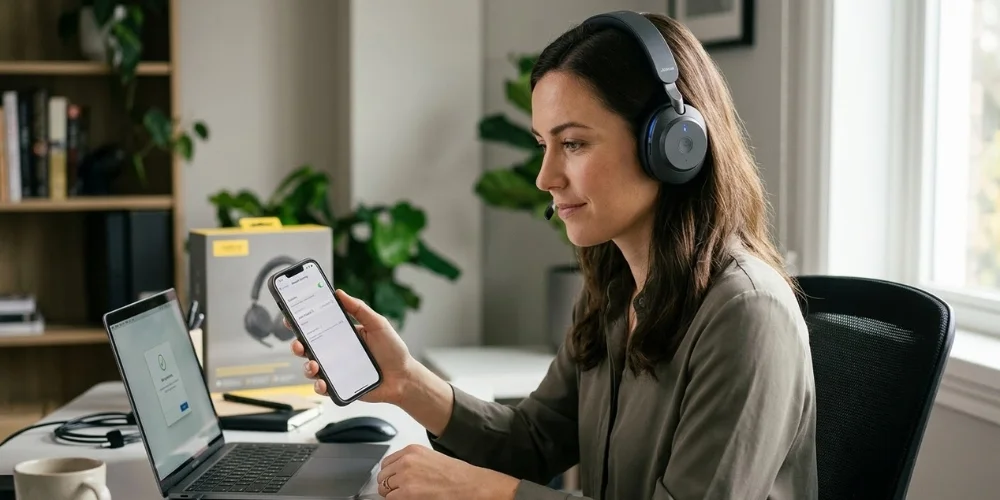
When you have invested in an expensive headset like Jabra headsets, and they are not working properly, it feels frustrating. But it does not mean the headset is faulty or the brand is not reliable. A small fix, like resetting, can solve your problems.
On resetting the Jabra headsets, the paired devices are unpaired, and the custom settings are reverted to default settings. After resetting, you need to re-pair the devices you want to connect with your headsets. You will need to update the settings again if you are not satisfied with the default settings. In short, the headset becomes new, and you have to update it.
Comments (0)
No comments yet. Be the first to comment!
Leave a Reply
Your email address will not be published. Required fields are marked *