
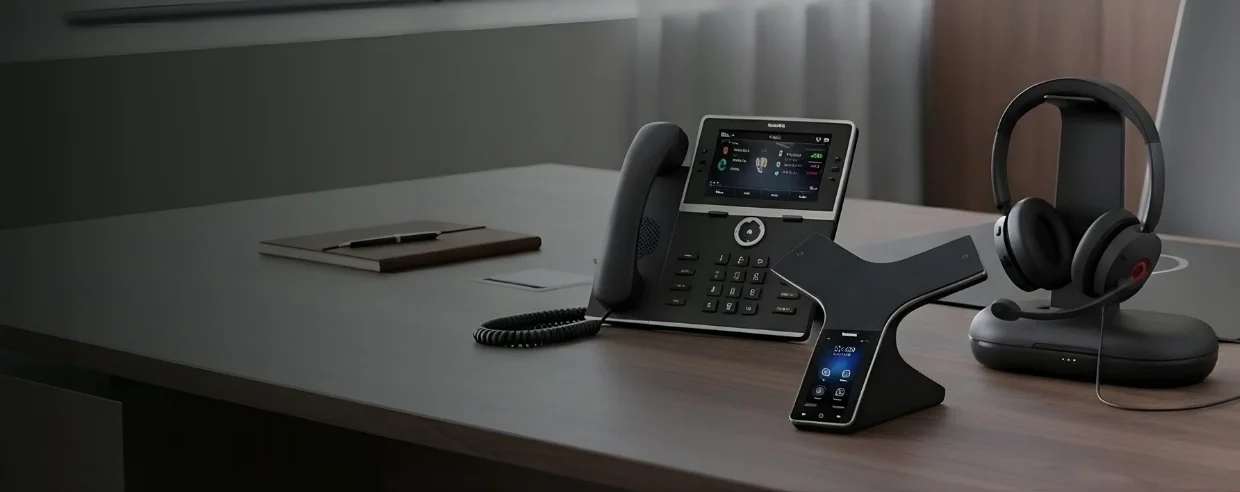
Yealink Bluetooth Headsets
View all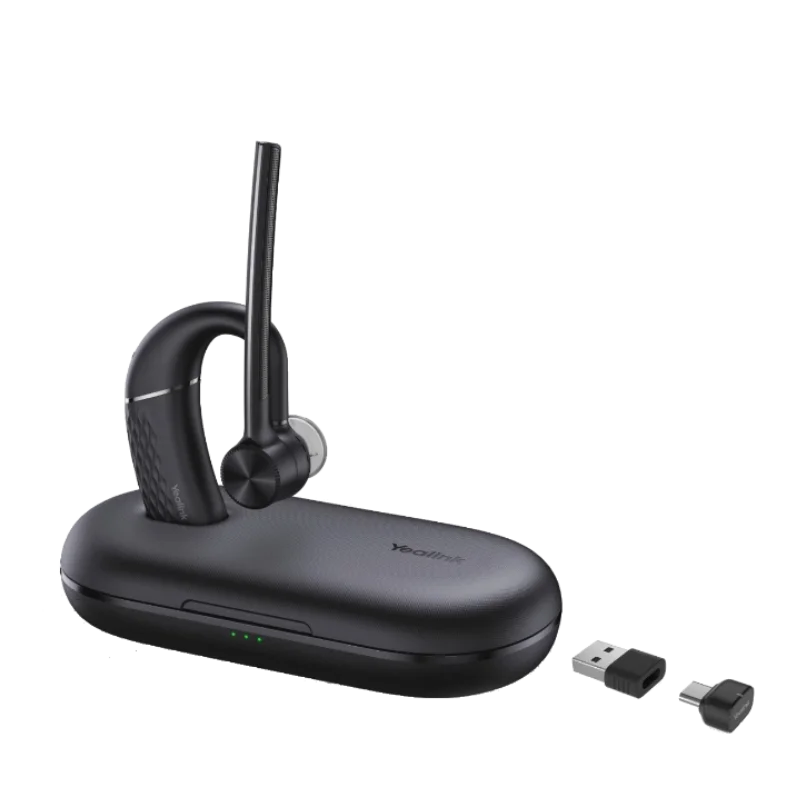
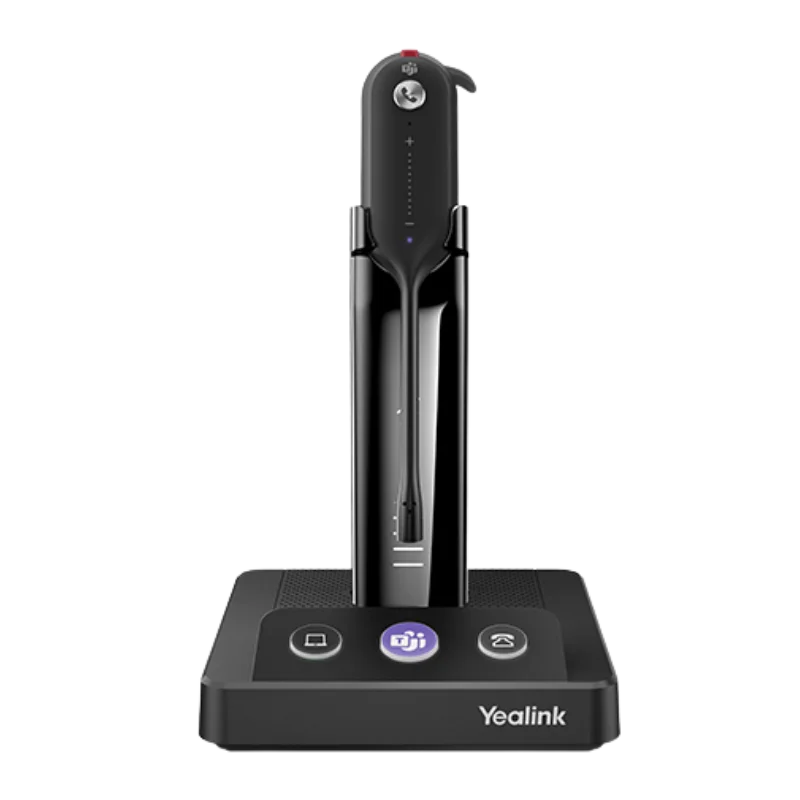
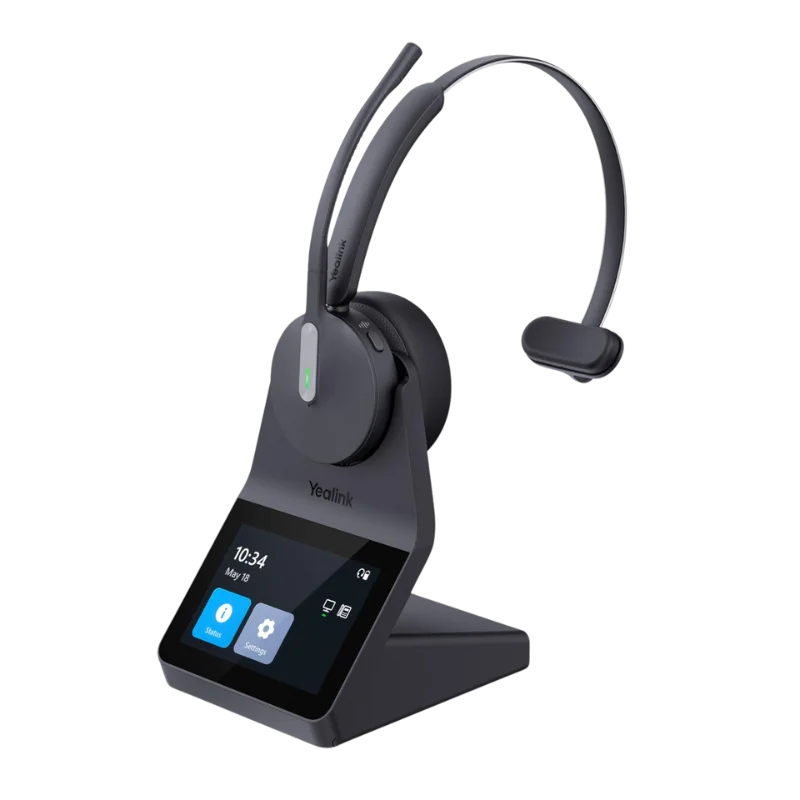
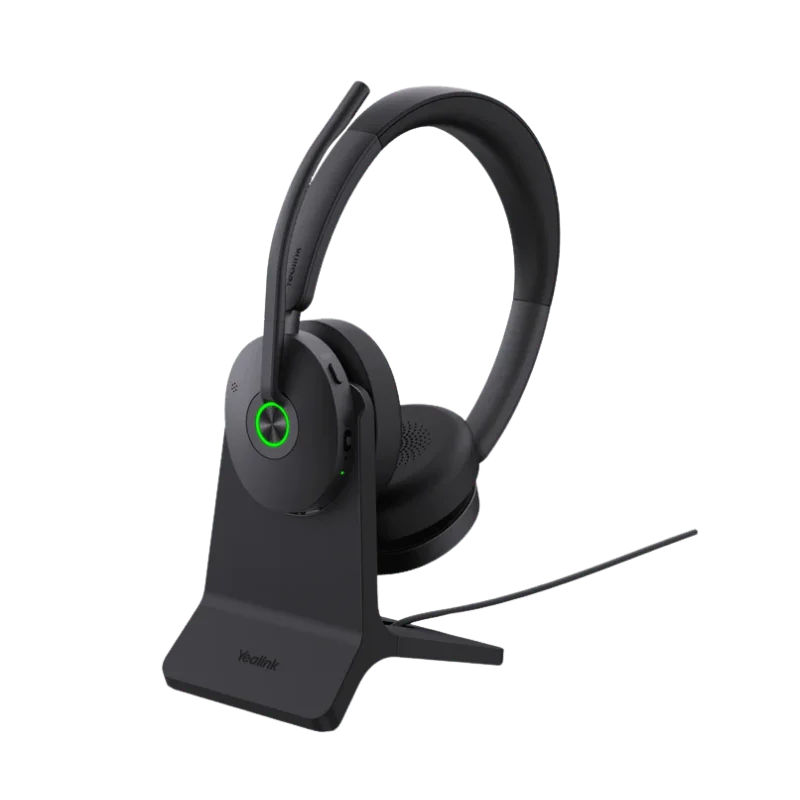
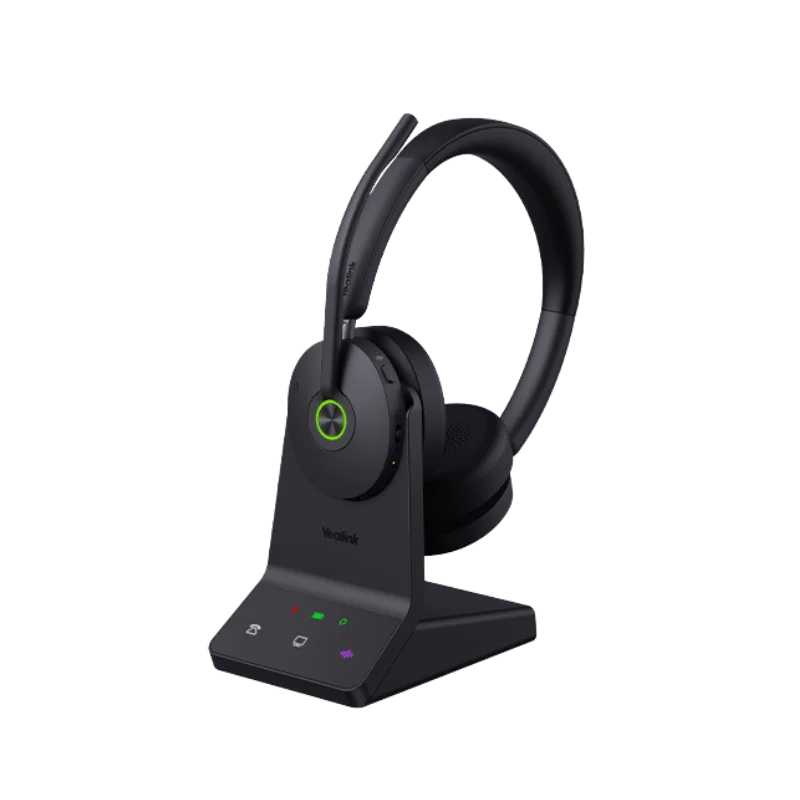
Yealink Corded Headsets
View all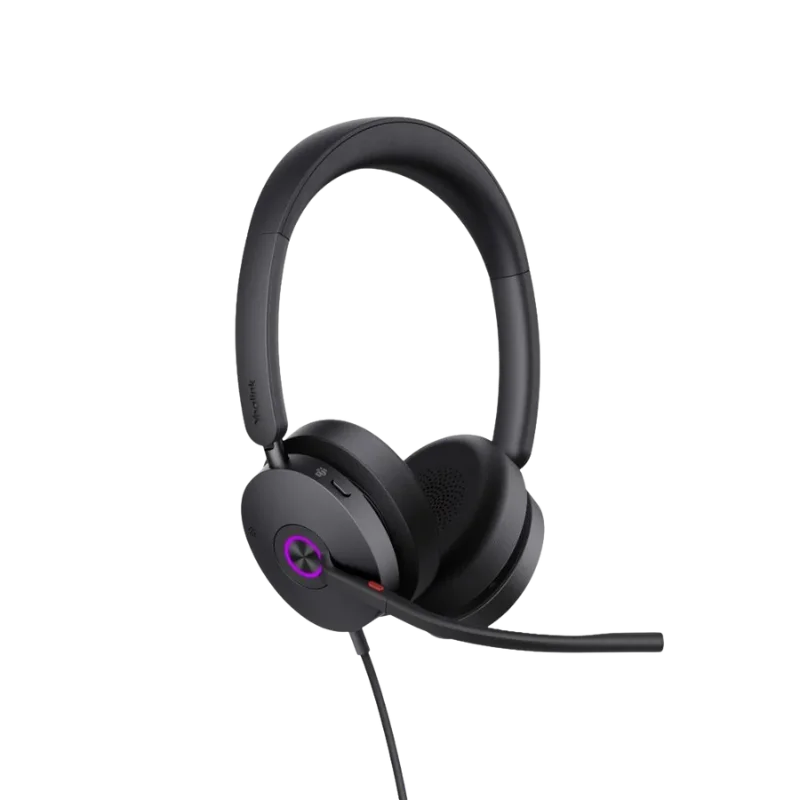
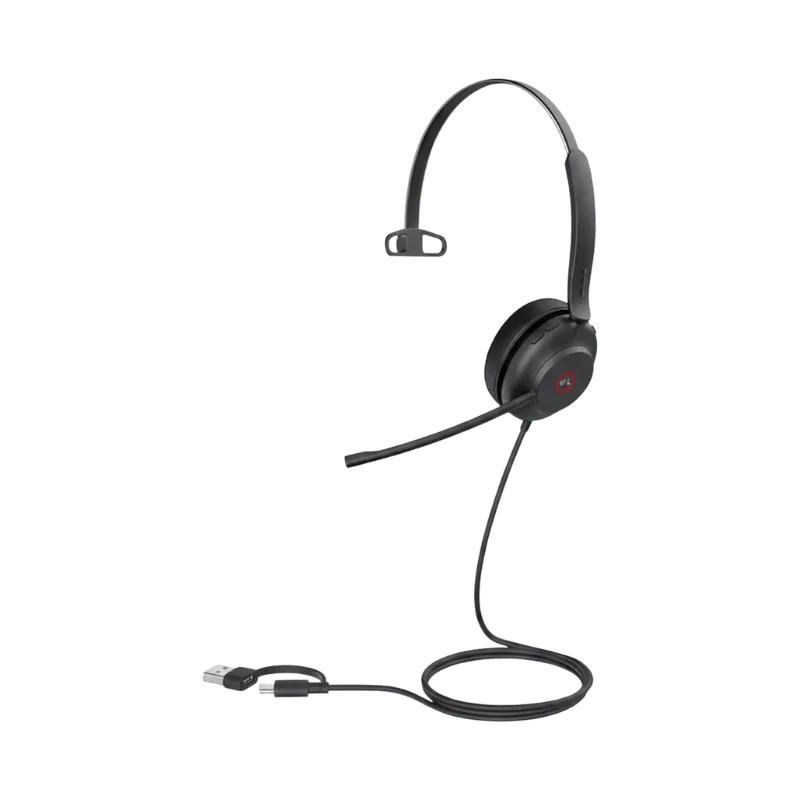
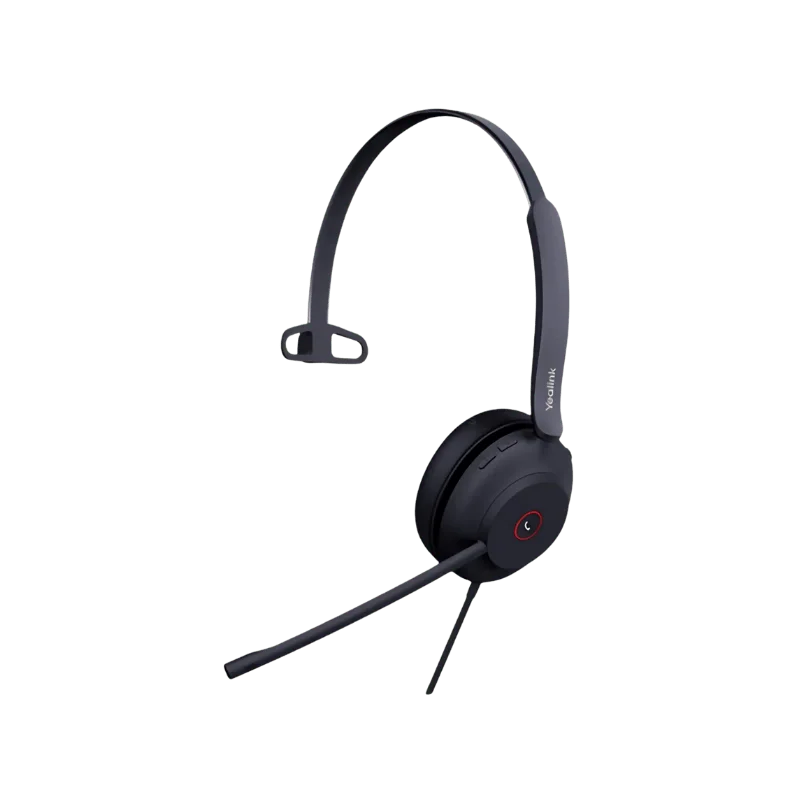
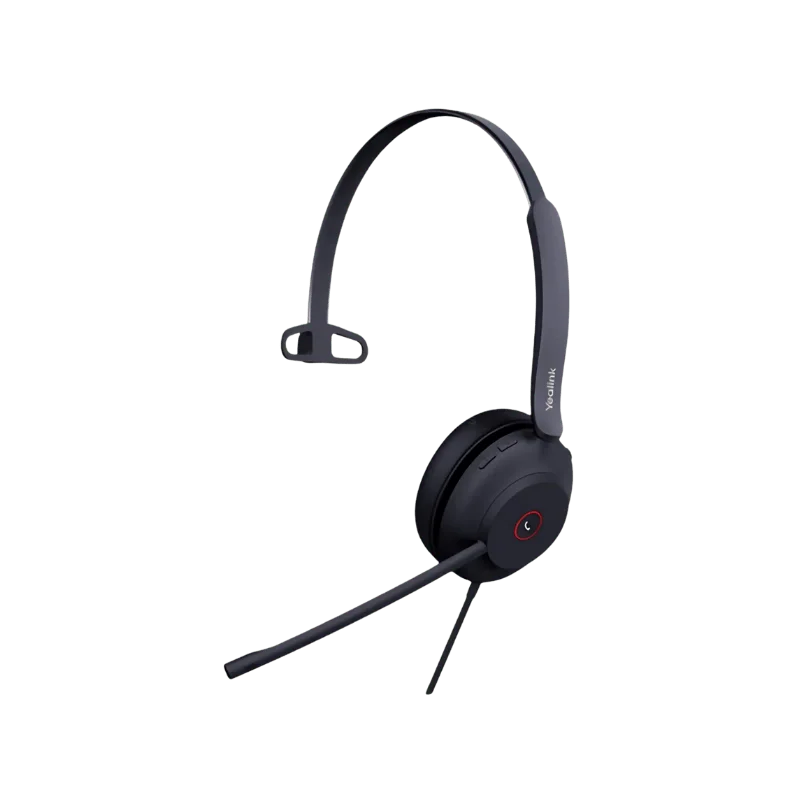
Yealink Headsets - Wireless & Wired Office Headsets
View allYealink Phones
View all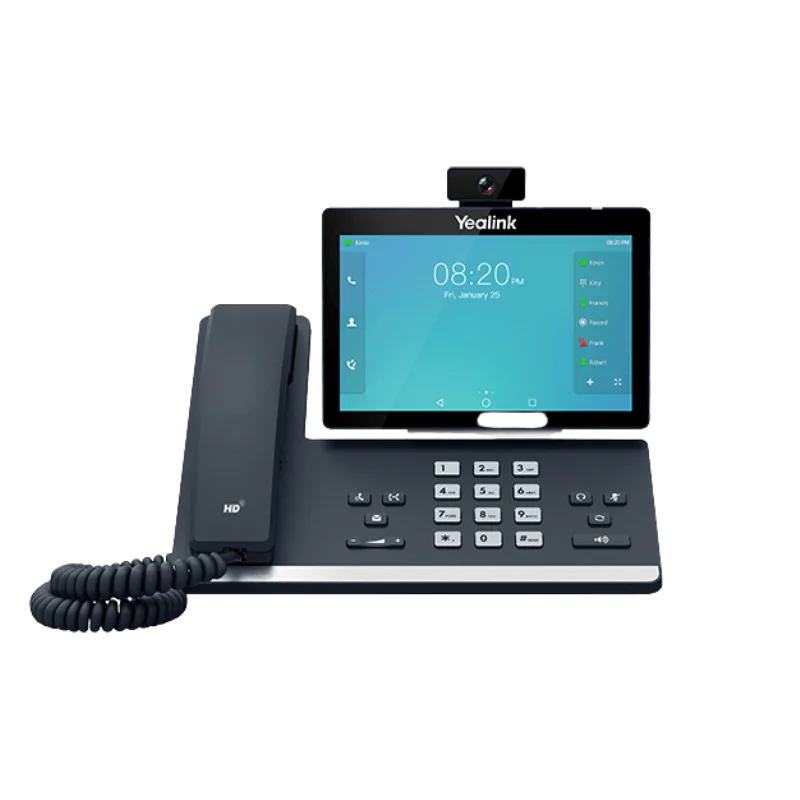
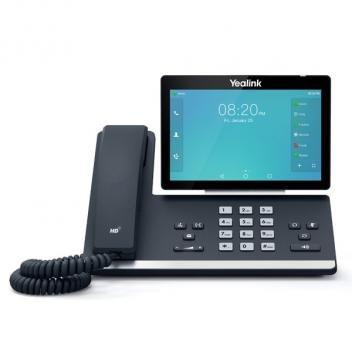
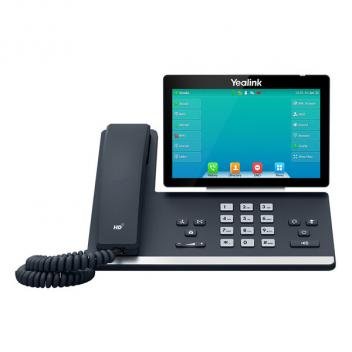
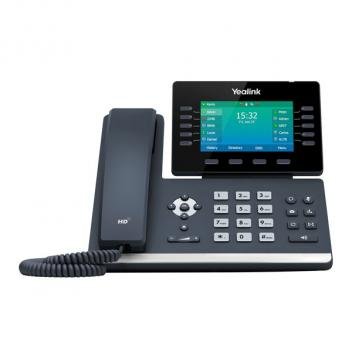
Yealink Wireless Headsets
View all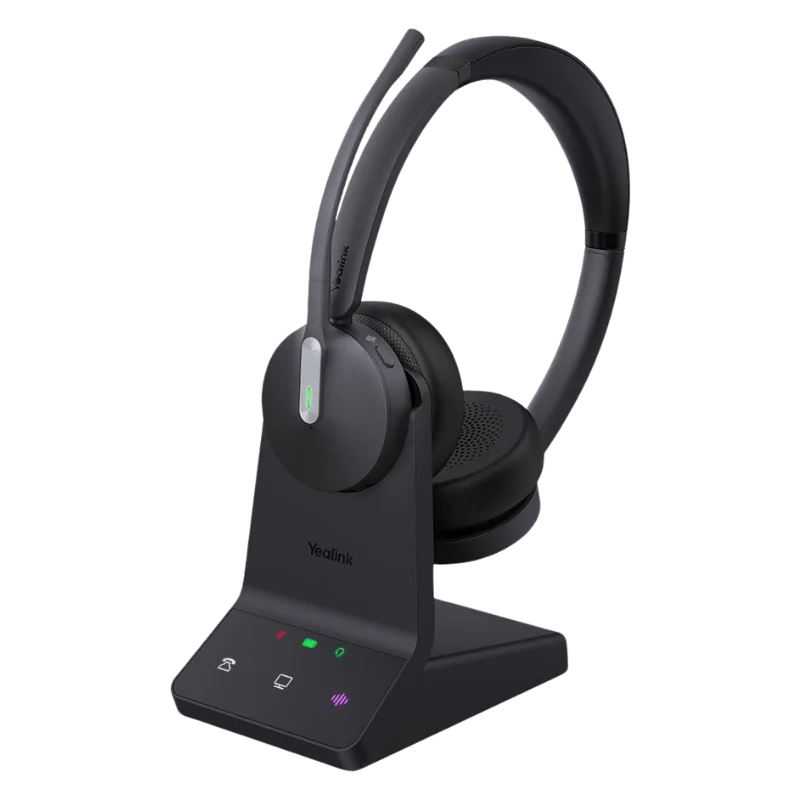
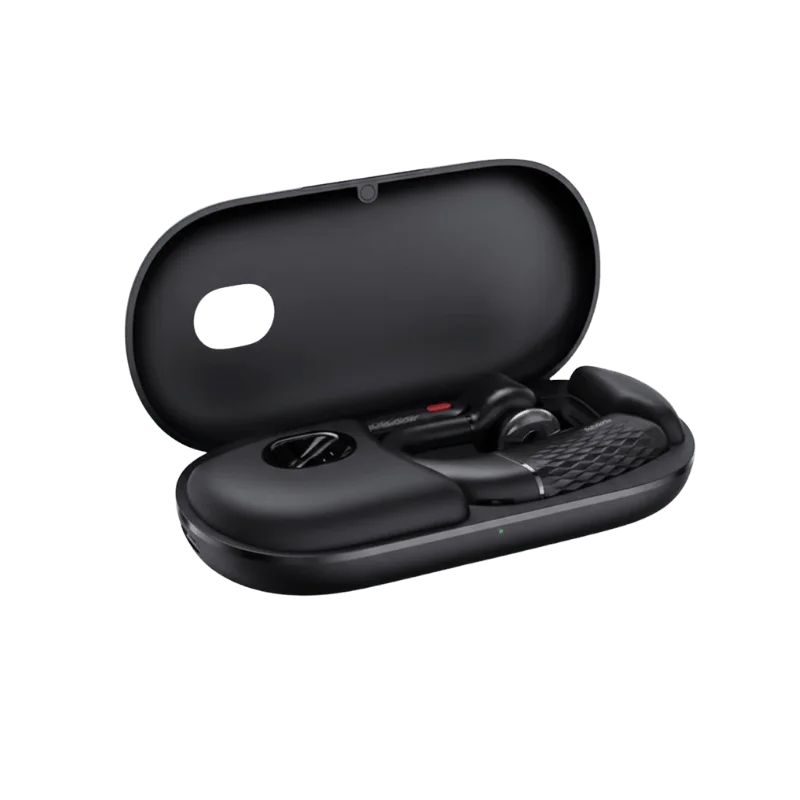
Pros and Cons of Yealink Wired Headsets
Pros:
- Reliable Connection: Plug-and-play wired design ensures consistent audio without interruptions.
- No Battery Required: Always ready to use, no need to charge.
- Clear Audio Quality: Optimized for calls, meetings, and professional use.
- Comfortable Design: Adjustable headbands and cushioned ear pads for long hours of use.
- Easy Call Controls: Convenient buttons for volume adjustment, mute, and call management.
- Wide Compatibility: Works with most desk phones, PCs, and softphones.
Cons:
- Limited Mobility: Cable length restricts movement around the workspace.
- Less Flexible than Wireless: Cannot easily switch between multiple devices.
- Cord Management Needed: Wires can tangle or get in the way in busy offices.
- Fewer Modern Features: Lacks advanced wireless functions like Bluetooth connectivity or quick pairing.
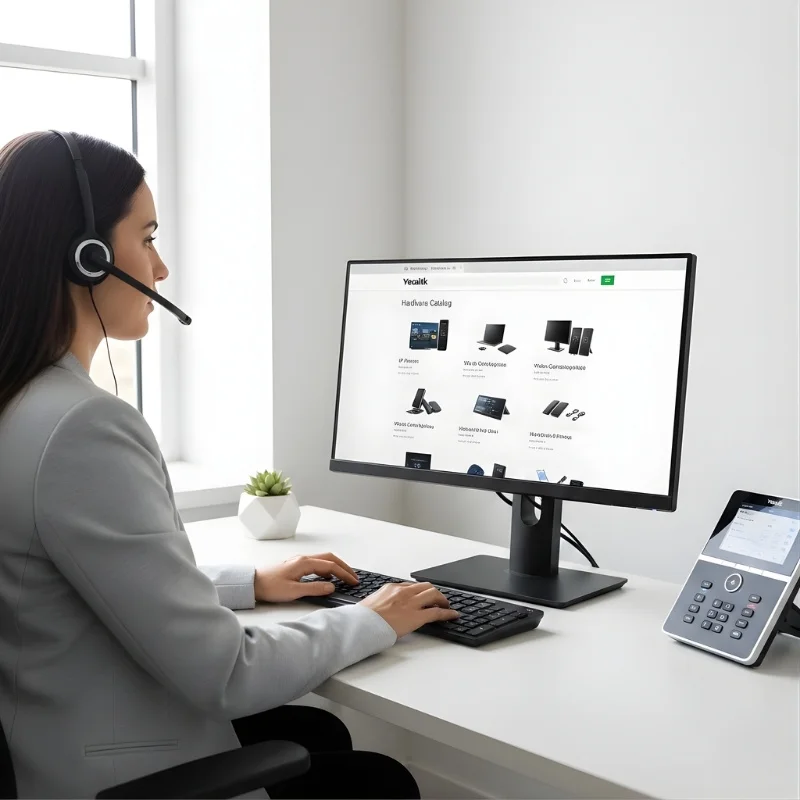
Wide Compatibility of Yealink Devices
Yealink devices are designed for maximum compatibility across a variety of communication platforms and hardware. Whether you use desk phones, computers, softphones, or mobile devices, Yealink headsets, phones, and video conferencing tools connect easily and reliably.
Yealink products are also compatible with popular collaboration platforms such as Microsoft Teams, Zoom, and Google Meet, ensuring smooth calls, meetings, and collaboration without setup headaches. This wide-ranging compatibility makes Yealink an ideal choice for offices, remote workers, and hybrid work environments looking for flexible, reliable communication solutions.

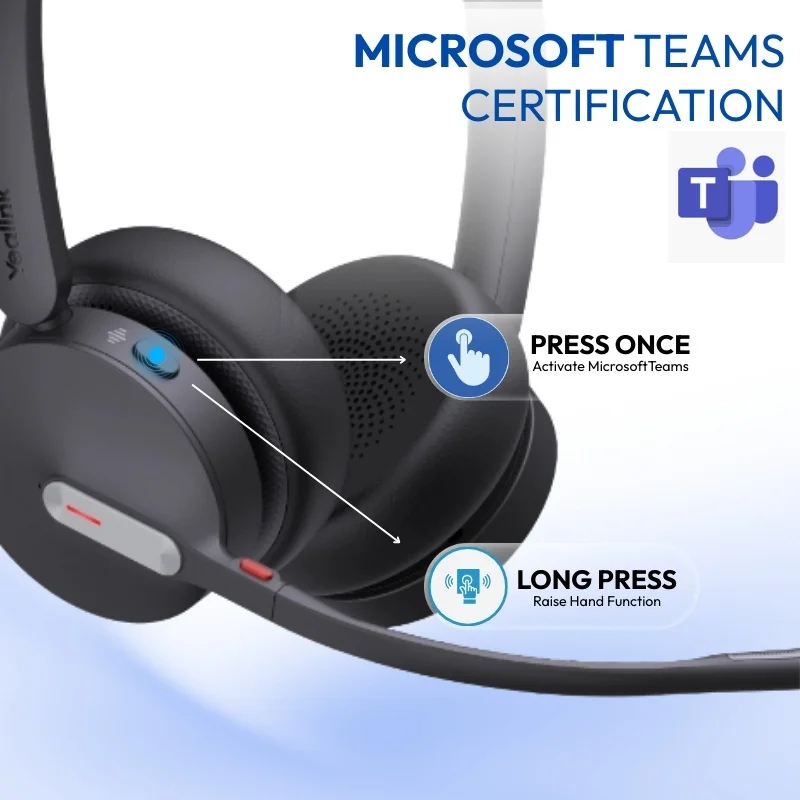
Microsoft Teams Certified Yealink Devices
Yealink offers a range of Microsoft Teams certified devices, including headsets, desk phones, and video conferencing solutions. These devices are fully optimized to work seamlessly with Microsoft Teams, ensuring smooth call management, reliable connectivity, and professional-quality audio and video for every meeting.
With Teams certification, Yealink devices provide enhanced features such as one-touch meeting join, easy call control, and integration with Teams’ collaboration tools. Whether for individual workstations, huddle rooms, or large conference rooms, Yealink ensures your Microsoft Teams experience is efficient, productive, and hassle-free.
Yealink Headsets for Desk Phones
Enhance your desk phone experience with Yealink headsets, designed for clear communication and professional use. These headsets deliver reliable audio, making calls, conferences, and daily communication effortless, whether in the office or a remote setup.
With comfortable, ergonomic designs and intuitive controls, Yealink headsets provide all-day comfort and easy call management. Compatible with a wide range of desk phones and communication systems, they are a practical choice for businesses and professionals seeking consistent, high-quality performance.
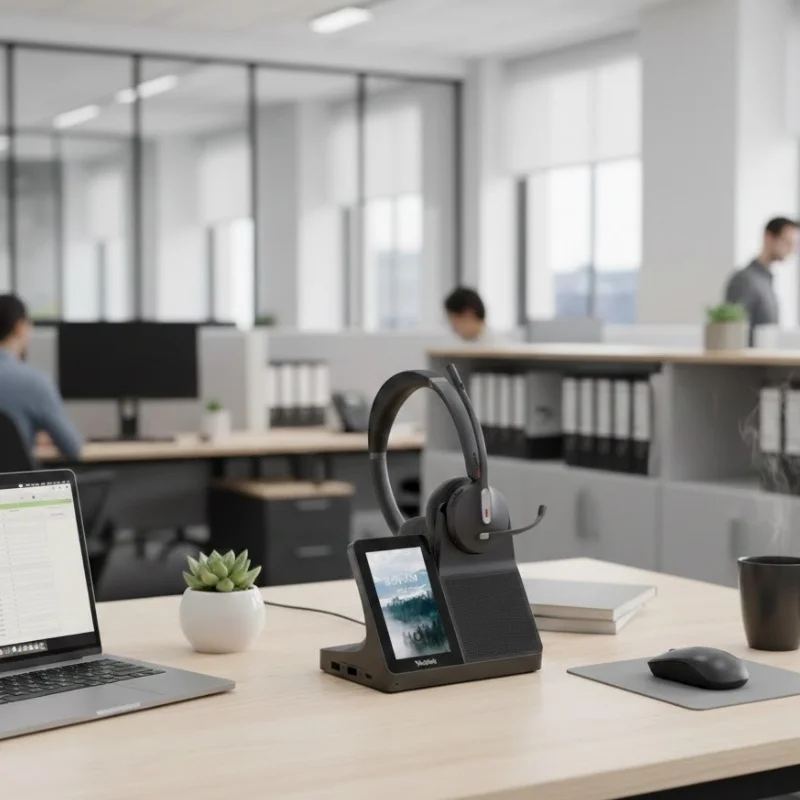
Pros and Cons of Yealink Wireless Headsets
Pros:
- Freedom of Movement: Wireless design allows you to move around your workspace without being tethered to your desk.
- Reliable Connectivity: Stable Bluetooth or USB dongle connections reduce dropouts and ensure consistent audio.
- Comfortable for Long Use: Ergonomic designs with cushioned ear pads and adjustable headbands for all-day wear.
- Easy Controls: Integrated buttons for call management, volume adjustment, and media control.
- Multi-Device Connectivity: Some models support Bluetooth multipoint, allowing connection to multiple devices at once.
- Good Battery Life: Extended talk time with quick-charge options for additional usage.
Cons:
- Higher Price Point: Wireless models are generally more expensive than wired alternatives.
- Battery Dependent: Requires regular charging, and performance drops if the battery runs low mid-call.
- Possible Interference: Occasional Bluetooth interference in congested wireless environments, though rare.
- Slightly Bulkier: Wireless designs with built-in batteries can be larger than wired models.

Yealink Over-Ear Headsets
Yealink over-ear headsets are designed for professionals who spend long hours on calls, virtual meetings, or multimedia tasks. The large, cushioned ear cups fully cover the ears, providing comfort and helping to reduce background noise, making them ideal for busy offices, remote work, or call center environments.
Equipped with intuitive controls and reliable connectivity, Yealink over-ear headsets deliver consistent audio performance for both voice and media. Compatible with desk phones, computers, and softphone systems, these headsets offer professional-grade sound and comfort for productive, uninterrupted communication throughout the day.
Yealink Headset Ear Pieces
Yealink headset ear pieces are designed for comfort, durability, and clear audio delivery. Whether it’s an on-ear or over-ear model, the ear pieces provide a snug fit that stays comfortable during long calls and meetings. Cushioned materials reduce ear fatigue, making them ideal for office, remote, or call center use.
With high-quality speakers inside the ear pieces, Yealink ensures consistent sound clarity for voice and multimedia. Many models also offer replaceable ear pieces, allowing for easy maintenance and extended headset life while keeping performance at its best.

Yealink On-Ear Headsets
Yealink on-ear headsets are designed for professionals seeking a balance between comfort and portability. The compact ear cups rest comfortably on the ears, making them ideal for office use, remote work, or frequent calls without causing fatigue during long hours of wear.
Equipped with intuitive controls and reliable connectivity, Yealink on-ear headsets deliver clear audio for calls, meetings, and multimedia. Compatible with desk phones, computers, and softphone systems, these headsets provide a practical and efficient solution for everyday professional communication.

Compatibility of Yealink Headsets
Yealink headsets are designed for broad compatibility with a variety of devices and communication platforms. Whether you’re using desk phones, computers, softphones, or mobile devices, Yealink headsets connect easily via USB, Bluetooth, or dedicated adapters.
These headsets are also certified or optimized for popular collaboration platforms like Microsoft Teams, Zoom, and Google Meet, ensuring seamless calls, meetings, and video conferences. With this wide compatibility, Yealink headsets are an ideal choice for offices, remote work, and hybrid work environments, providing reliable performance across all your devices.
About Yealink
Yealink is a global leader in audio and video communication solutions, offering high-quality headsets, phones, and conferencing devices. Known for reliability, ergonomic design, and professional-grade performance, Yealink products help businesses and individuals stay connected, productive, and efficient across any work environment.
Frequently Asked Questions
About Yealink
We offer a wide selection of Yealink wired, wireless, on-ear, over-ear headsets, and earbuds, along with video conferencing devices, suitable for offices, remote work, and call centers.
Yes! Many Yealink headsets sold at Find Headsets are certified for Microsoft Teams, Zoom, and Google Meet, ensuring smooth and reliable communication.
Yes, select wireless models support Bluetooth multipoint connectivity, allowing you to connect two devices at the same time, such as a laptop and smartphone.
Battery life depends on the model, but most wireless Yealink headsets offer up to 12–15 hours of talk time, with quick-charge options for extra usage in just a few minutes.
Absolutely. Wired Yealink headsets sold at Find Headsets work with desk phones, PCs, and mobile devices (adapters may be required for some models).
Yes! All Yealink headsets feature ergonomic designs, cushioned ear pads, and adjustable headbands, perfect for extended calls and meetings.
Yes. At Find Headsets, we provide live chat support to help with product questions, setup, or troubleshooting for your Yealink devices.
Yes. Yealink video devices are plug-and-play, compatible with most PCs and conferencing platforms, and come with intuitive controls for smooth meetings.
Any Questions?
Our Find Headsets live chat makes it easy to find the right headset for you. Get help checking compatibility, comparing features, and choosing the best option all in real time with our friendly support team.